





Build guide
2020 Volvo XC90 Ride On Car Assembly & Instructions
Watch the build video.
- 12V
- One Seater
- Up to 7 Years Old
- Remote control
This video can’t play right now. Message us and we’ll help.
2020 Volvo XC90 Licensed 12v Kids Electric Ride On Car Assembly Instructions Open in the video library
2020 Volvo XC90 Ride On Car Assembly & Instructions at a glance
- Battery
- 12V
- Motors
- 2 x 35W
- Seats
- One Seater
- Maximum rider age
- Up to 7 Years Old
- Seat material
- Leather Style
- Parental features
- Parental Remote Control, Transport Handle
- Special features
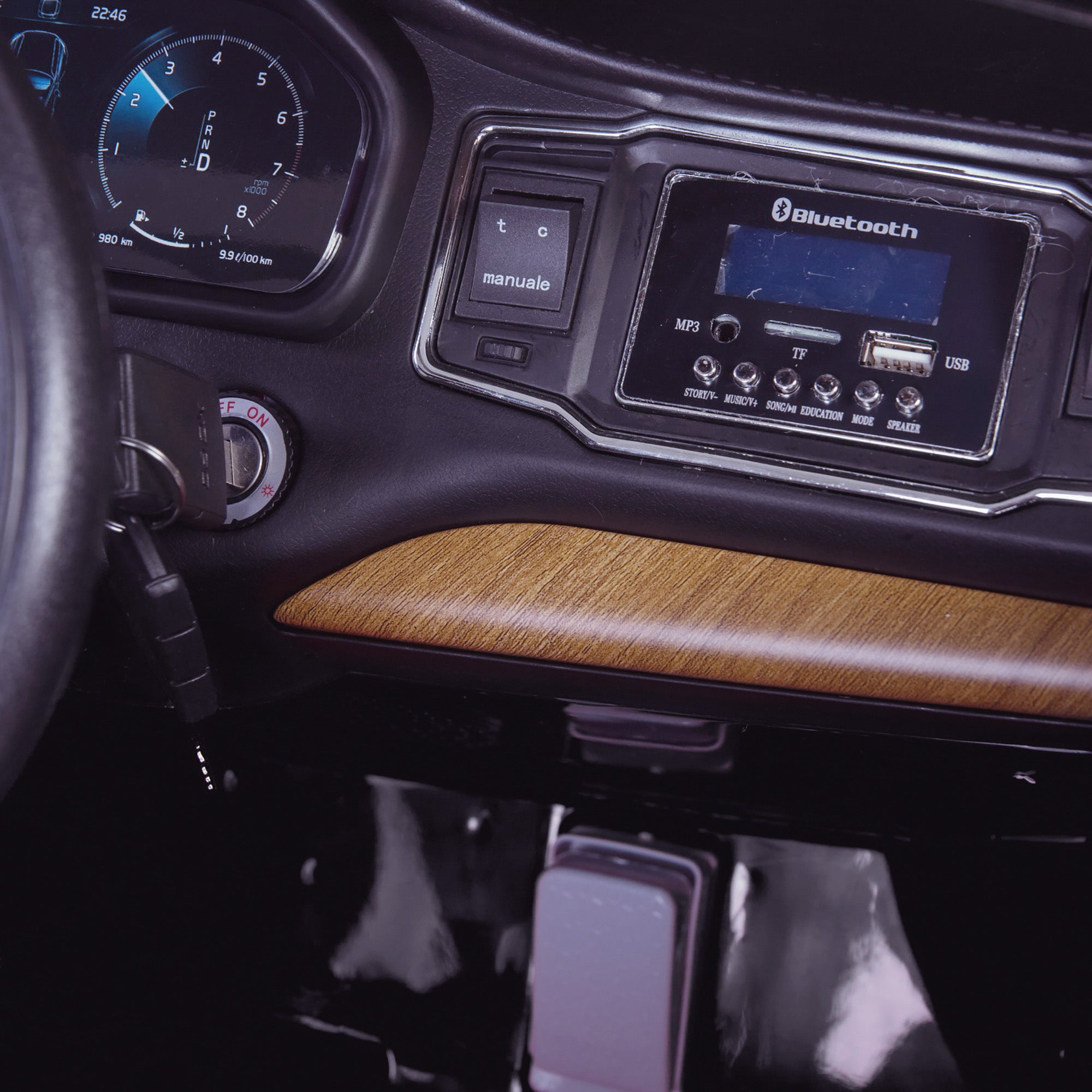
- Suspension, Functioning Lights, Spray Painted, Key Start, USB Port, Aux In, Built-In Radio, Integrated Music, Bluetooth Connectivity, Start-Up Sounds, Working Horn, Steering Controls, Leather Style
- Media features
- USB Port, Aux In, Built-In Radio, Integrated Music, Bluetooth Connectivity, Start-Up Sounds, Working Horn, Steering Controls
- Remote control
- Yes
Shop this model
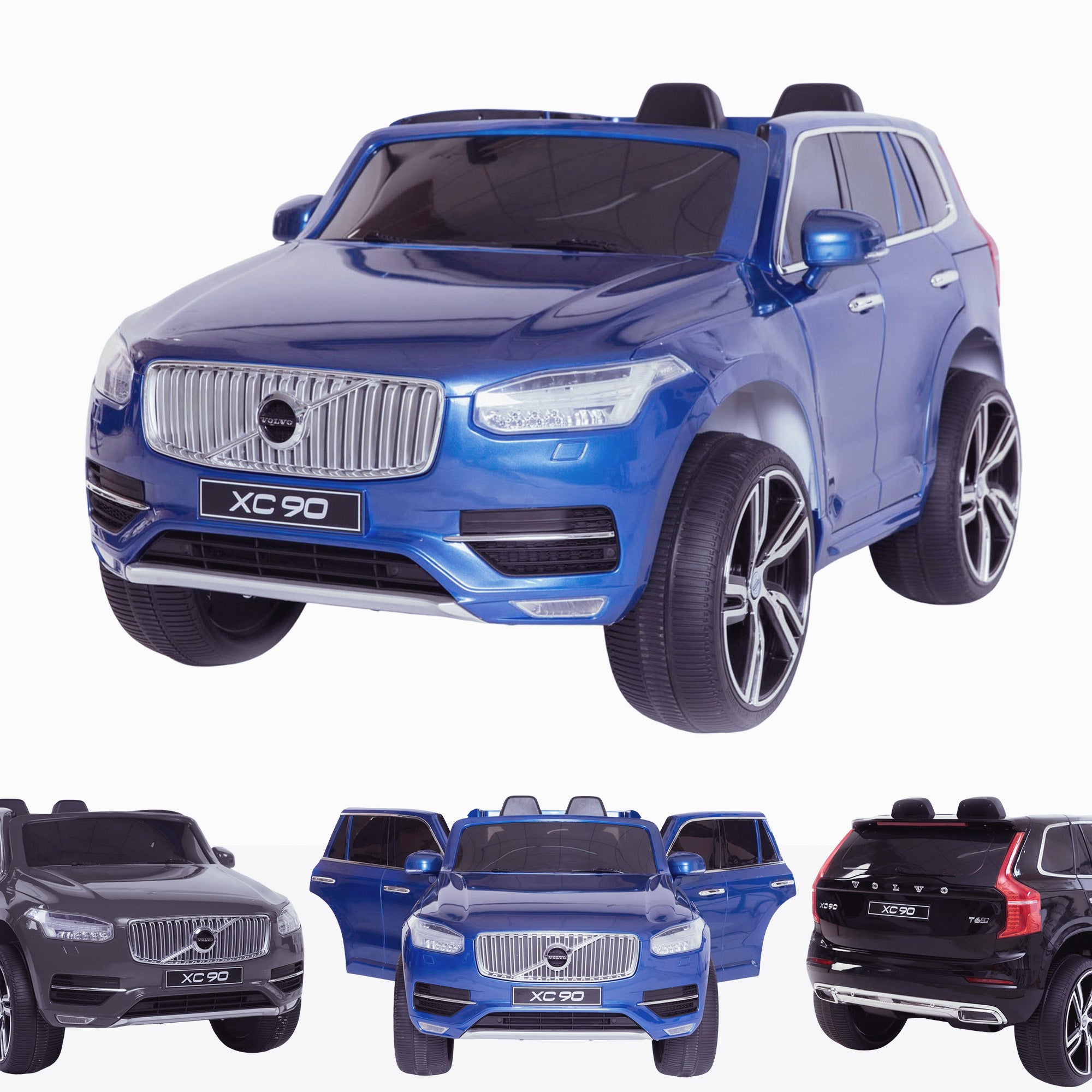
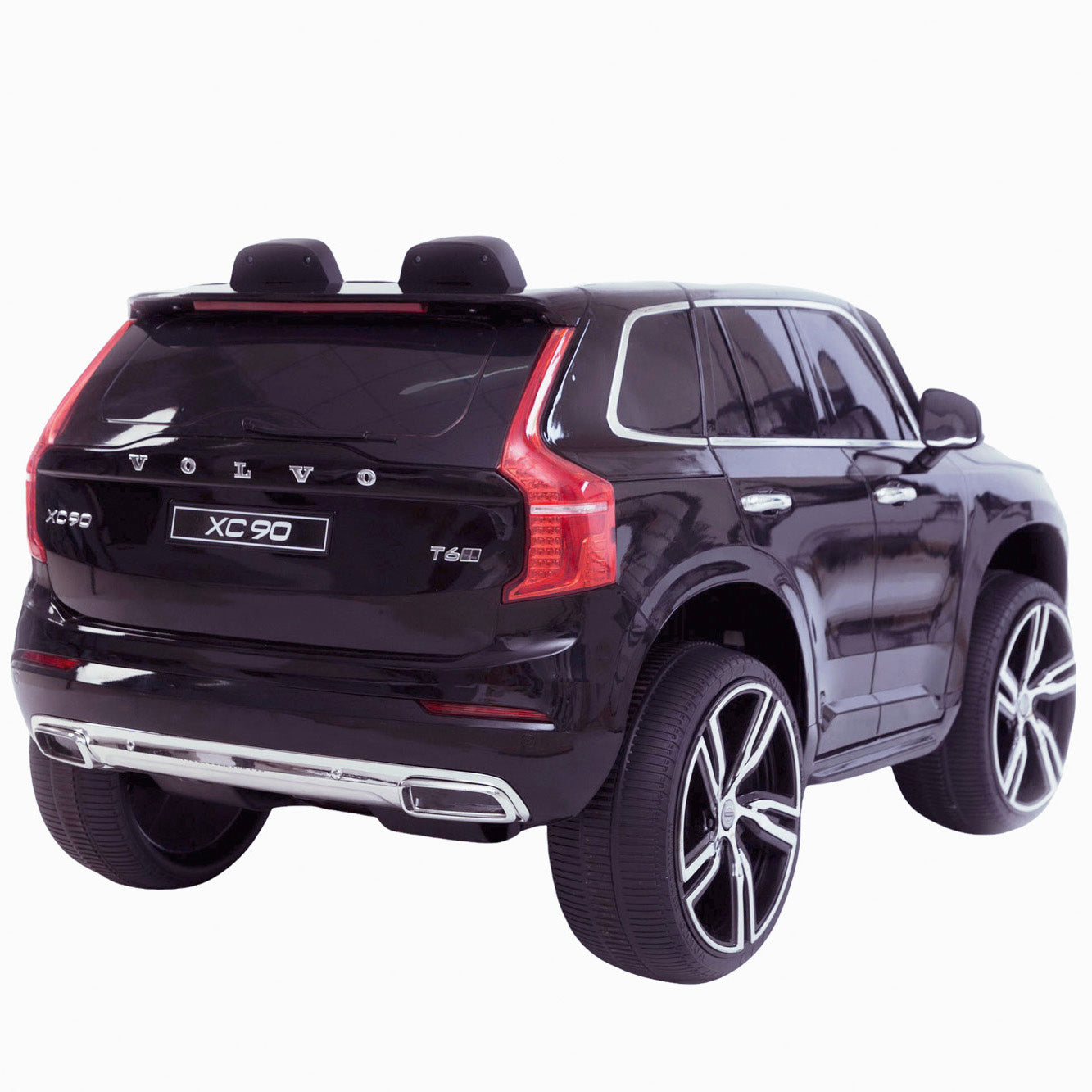
 12V
 Up to 7 Years Old
 2.4G - Optional Upgrade
 One Seater
Something not right?


Why buy from RiiRoo


Full written instructions

Before you start
This guide shows how to build the 2020 Volvo XC90. It is a one seater. It has a 12V battery and 2 x 35W of motor power. Recommended for: Up to 7 Years Old.
Have the instruction booklet and its parts list to hand, and check every part against the list before you begin.
Build video
- 2020 Volvo XC90 Licensed 12v Kids Electric Ride On Car (3 min 03 s)
Step-by-step assembly
- Unbox and check the parts. Check every part against the parts list in the manual. Protect the vehicle, place it on a flat surface, then remove the tape, elastic band or cable ties holding the motors and wires.
- Fit the rear wheels. Fit each rear wheel in this order: wheel, washer, then the nut. Attach the wheel trim or cap by lining up the tabs and clicking it into place, then repeat on the other side.
- Fit the front wheels. Fit each front wheel in the same order: wheel, washer, then the nut. Click the wheel trim or cap into place and repeat on the other side.
- Attach the steering wheel. Remove the nut and bolt from the steering wheel, then connect the steering wheel wire to the multiplug from the steering console. Thread the wire back through the console, line the wheel up with the steering rod and secure it with the nut and bolt you removed.
- Fit the seat. Slide the seat onto the brackets and secure it with the screws.
- Windscreen and wing mirrors. Attach the front windscreen to the gaps on the bonnet. Push each wing mirror into place until you hear a click, then repeat on the other side.
Connect and charge the battery
The 2020 Volvo XC90 runs on a 12V battery with 2 x 35W of motor power. Connect the battery terminal multiplug (red to red, black to black) and check that it powers up. If it does not, make sure the clear plastic tab over the terminal has been removed.
Charge the battery for 8 to 12 hours before the first ride, using the supplied charger. The 12V battery should not be used until that first charge is complete. Recharge after every use and every 30 days if it is stored, and keep it indoors. See our battery charging and maintenance guide.
Pairing the parental remote
The parental remote lets you override the vehicle's controls at any time. RiiRoo supplies several remote variants and they are not all cross-compatible, so use the pairing video for your model's remote. More help: how to pair your remote.
2020 Volvo XC90 at a glance
- Voltage: 12V
- Motors: 2 x 35W
- Seats: One Seater
- Recommended age: Up to 7 Years Old
- Parental remote: Yes
- Features: Suspension, Functioning Lights, Spray Painted, Key Start, USB Port, Aux In, Built-In Radio, Integrated Music, Bluetooth Connectivity, Start-Up Sounds, Working Horn, Steering Controls, Leather Style
- Brand: Volvo
- Type: 4 x 4
- Drive: 2 Wheel Drive
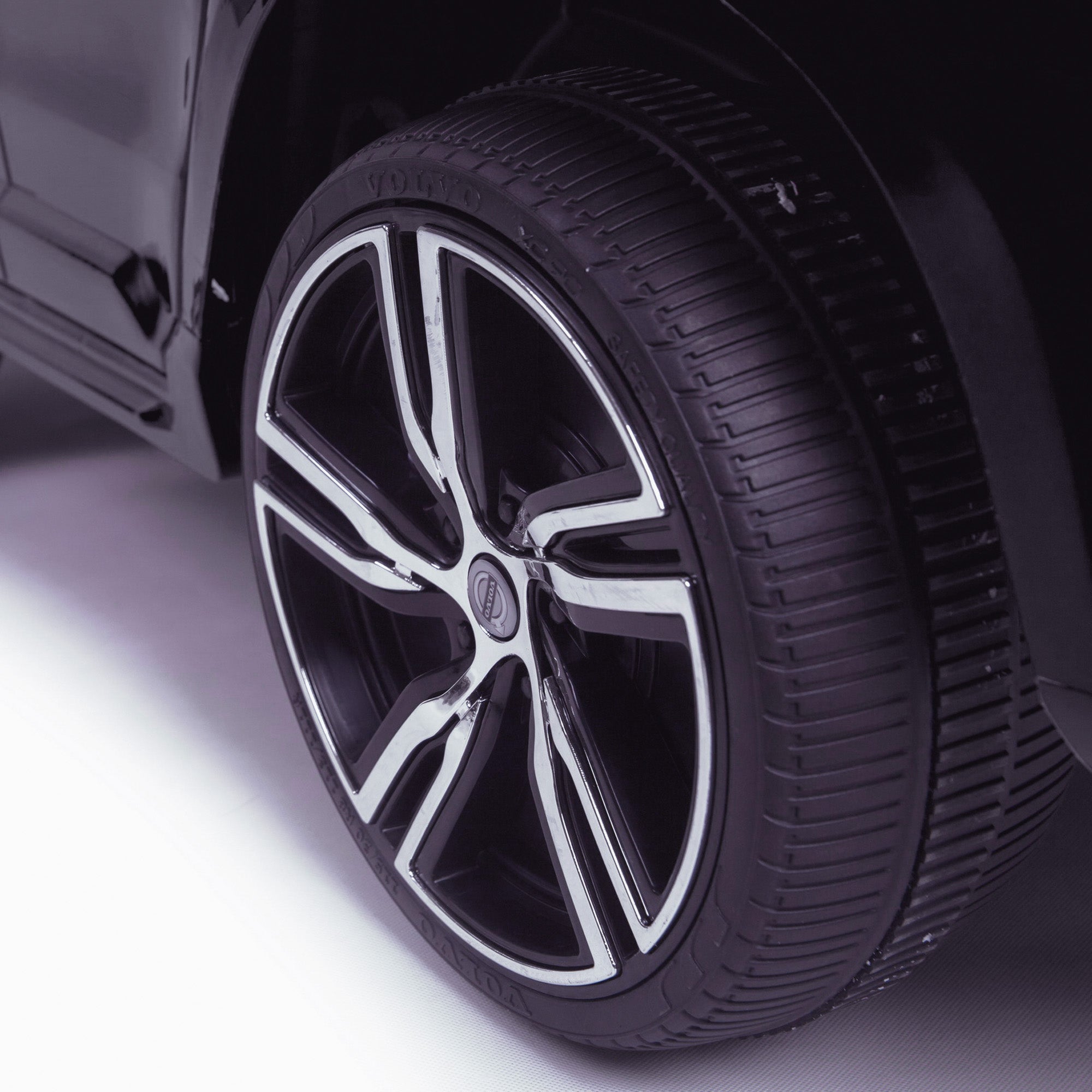
- Tyres: EVA Soft Wheels
- Seat belt: 5 Point Harness
- Doors: Opening Doors, Opening Bonnet
- Power: Electric
Related products
- Volvo XC90 - Licensed
Need a spare part?
Browse our ride-on spare parts.
Need more help?


We reply within one working day, Monday to Friday.
Missing Number Plates?
You can request them here for a much quicker service than going through support!
Self-Service
We have an extensive range of helpful content, including Assembly tutorials and Troubleshooting tips which you can find here
If you can't find your answer there, feel free to get in touch with us.
Phone
We're phone-free for speedy service - opt for video calls for product peeks and tech support!
Will we never ring you!? Occasionally, when it's needed :)
Customer Support
Use the form to reach out, we'll outshine our competitors with speedy responses and superior service!
Sorry, the form didn't load. Please refresh the page and try again.